
Table of Contents
14 min read
How to Switch Fleet GPS Providers Without Losing Your Data or Your Hardware
Before giving notice to your current provider, establish what your contract says, who owns the hardware in your vehicles, what happens to your historical…


The Four Things to Establish Before You Give Notice
Switching fleet-tracking vendors goes smoothly when you have four answers in hand before you send any cancellation notice. Work through these in order, and get every response from your current vendor in writing.
1. What are your contract term, auto-renewal clause, and required notice period?
Ask your vendor to confirm the exact contract end date, whether the agreement renews automatically if you stay silent, and how many days' written notice you must give to stop that renewal. Some platforms require notice 30, 60, or even 90 days before the renewal date, miss the window and you may be committed to another full term. Do not rely on a verbal answer; request the clause number and a written confirmation.
2. Who owns the hardware in your vehicles?
Ask whether the devices were sold to you outright or provided under a subscription arrangement. The answer changes your obligations entirely. If the hardware was provided as part of the subscription, ask what the return process is, what condition is required, and whether there is a buyout option if you want to keep the devices. If you purchased the hardware outright, confirm that in writing as well: you will want documentation if there is any dispute on cutover day.
3. What happens to your historical location data?
Ask whether your trip history, alerts, and reports are exportable before the account closes, in what file format, and for how long the data remains accessible after cancellation. Some platforms close access immediately; others give a grace window. If your data is needed for compliance, insurance, or payroll reconciliation, you need to know this before you give notice, not after.
4. Which integrations depend on the current platform?
Map every system that pulls from or pushes to your current tracker: dispatch and routing tools, maintenance-management software, payroll systems, proof-of-delivery workflows, and any API connections your team has built. An integration that breaks silently on cutover day is harder to diagnose than one you planned for. Write down each dependency, who owns it, and who needs to be notified before the switch.
Section 5 walks through Btracking's own terms against each of these four questions (month-to-month subscriptions, hardware ownership rules, and what happens at cancellation) so you can evaluate any provider, including this one, on the same basis.
How to Read Your Own Hardware: Install Type Decides the Switching Effort
The single largest variable in how much effort a platform switch requires is not your fleet size or how complex your current software setup is: it is how your trackers are physically installed. Get that one fact right and the rest of the transition plan writes itself.
There are three install paths, and they sit at very different points on the effort scale.
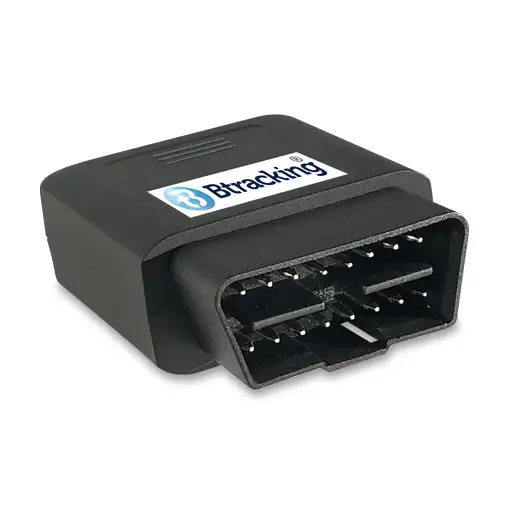
Plug-in OBD-II trackers seat directly in the vehicle's OBD port. A device like the BP50 Series Plugin Vehicle Tracker pulls free in seconds with no tools. For a fleet running these, hardware removal effort is effectively zero, you unplug, re-enroll, and move on.
OEM Integrated tracking for eligible late-model Ford, GM, Stellantis, and Toyota vehicles goes a step further: there is nothing to remove because nothing was ever installed. The tracking data comes from the telematics system the vehicle manufacturer already built into the vehicle. A switch here is a purely administrative event (cancel one subscription, start another) though two steps must happen before any vehicle goes live: VIN eligibility verification and owner consent for each vehicle. Pricing is straightforward: Ford, GM, and Stellantis OEM integration runs $31.99 per vehicle per month; Toyota OEM integration is $29.99 per vehicle per month. All four makes are exclusively on the Enterprise Platform, billed monthly with ten business days' notice required to stop service.
Reporting intervals and other configurations are set by the vehicle manufacturer and are not customizable. If your operation depends on specific ping rates or custom reporting intervals, OEM integration is the wrong path regardless of how clean the install is.
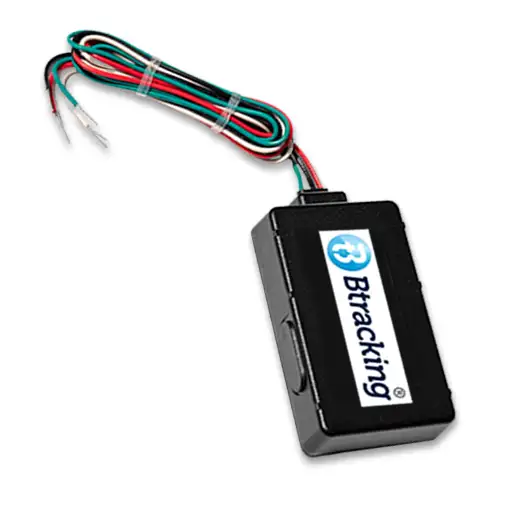
Hardwired units are a permanent, concealed install. Removing and reinstalling them requires a qualified technician: this is the path with the most labour on both ends of a switch, and it is the one that demands the most planning time. Telematics gateways for trucks (wired, J1939, OBD-II, and auxiliary power harness options) sit in the same category: technician-required on the way in and on the way out.
For a full breakdown of how these install types compare on power, placement, and use-case fit, see the Btracking install-type explainer rather than working through specs here.
Plug-in OBD-II trackersBuy, lowest switching friction of any wired option; no tools, no technician, no scheduling.
OEM Integrated tracking (Ford, GM, Stellantis, Toyota)Consider, right for Enterprise Platform fleets whose vehicles are already eligible and whose ops can accept manufacturer-defined reporting behavior; wrong for anyone who needs configurable ping rates.
Hardwired trackers and telematics gatewaysConsider, the correct choice when concealment or permanent power is required, but go in knowing the switch will involve technician time on both ends; factor that labour into your transition timeline before committing.
Getting Your Historical Data Out Before the Account Closes
The safest time to pull your historical data is before you serve notice, not after.
Once an account closes with any provider, access to that data can end immediately. Waiting until after you have cancelled means you may be requesting records from a system you can no longer log into. The export should be complete and verified while the account is still active and you can confirm the files are intact.
Request the export in writing. Your written request should specify three things:
- The date range, state the exact start and end dates you need, typically the full period your account has been active.
- The file format, ask for CSV. It is the most portable format and will open in any spreadsheet tool or data warehouse without a proprietary reader.
- A delivery deadline, give a specific date by which the export must be in your hands, leaving yourself enough time to verify it before your cancellation takes effect.
Ask for every data category you may need later: trip history, stop logs, event records, driver scorecard data, and geofence activity. If you request these separately, you are less likely to discover a gap after the account has closed.
Keep that archive in your own storage. You will need it for internal reporting that references prior periods, for any compliance review, and for any operational comparison you want to make against your new baseline on Btracking.
One practical note on timing: request the export while the outgoing account is still live, and verify it before the cancellation takes effect.
Finally, if your operation uses ELD devices, the compliance records associated with those are a separate product category governed by different retention rules and are outside the scope of this guide. Handle ELD record retention through the appropriate channel before you make any changes to that part of your setup.
Running Two Systems in Parallel: The Overlap Window
A parallel run is the lowest-risk way to migrate a fleet: activate Btracking on three to five vehicles, leave the old platform running on those same vehicles, and verify everything works before touching the rest of the fleet.
The overlap window has a defined checklist. Before you decommission the old platform on any vehicle, confirm each of the following on the pilot units:
- Location reporting, position updates are arriving at the expected interval and match what the old system shows for the same vehicle at the same moment.
- Event triggers, ignition on/off, door open/close, and impact events are firing and generating the alerts you configured. If they are not firing in the pilot, they will not fire fleet-wide.
- Integration handoffs, any dispatch, maintenance, or payroll system that was receiving data from the old platform is now receiving it from Btracking instead. Test the data path end-to-end, not just the connection status.
- Historical data, the export you pulled from the old system before the pilot started has been received, spot-checked, and stored somewhere you can reach it after the old subscription lapses.
Only when all four items are confirmed on the pilot vehicles should you begin rolling the migration across the rest of the fleet.
How install type affects your timeline
The effort to set up pilot vehicles depends entirely on how those vehicles are equipped.
The BP50 Series Plugin Vehicle Tracker plugs directly into the OBD-II port, the device weighs 1.6 oz and measures 1.9 × 1.8 × 0.8 inches, so a driver can swap or install it in seconds with no tools. For a fleet running plug-in trackers, standing up three pilot vehicles is a same-day task that requires no scheduling.
Hardwired trackers are a permanent, concealed install. For pilot vehicles that will carry hardwired units, schedule technician time before the overlap window opens, the migration clock does not start until the hardware is in and reporting.
OEM Integrated GPS Tracking for eligible Ford, GM, Stellantis, and Toyota vehicles requires only a VIN verification and owner consent, with no hardware at all. If your pilot vehicles are eligible late-model units from those manufacturers, setup is administrative rather than physical.
The cost of running two subscriptions
Two subscriptions running simultaneously on pilot vehicles is a real but bounded cost. Btracking's Standard platform subscription is $12.95/month per vehicle, billed month-to-month with no contract, so the overlap period adds a predictable, cancellable line item, not a long-term commitment. For a fuller picture of what running both systems costs during the transition, see what fleet GPS actually costs.
A defined end date, two weeks is a reasonable default for most fleets, prevents the parallel run from drifting into an indefinite dual-subscription. Set a calendar reminder on day one. If the checklist is not complete by that date, extend deliberately rather than by inertia.
Once the pilot vehicles have passed every item on the checklist and the historical export is verified, the remaining fleet vehicles can be migrated in batches, with the old platform cancelled on a rolling basis as each batch clears verification.
Btracking's Own Exit Terms: What the Switching Checklist Looks Like Applied Here
A switching guide that sidesteps the vendor's own terms is just a sales pitch, so here is the checklist applied to Btracking directly.
1. Term and notice. Subscriptions run month-to-month. Cancellation requires ten business days' written notice. There is no annual contract and no early-termination fee.
2. Hardware ownership, and this is the point that varies most. Which path applies to you depends entirely on how you obtained the device.
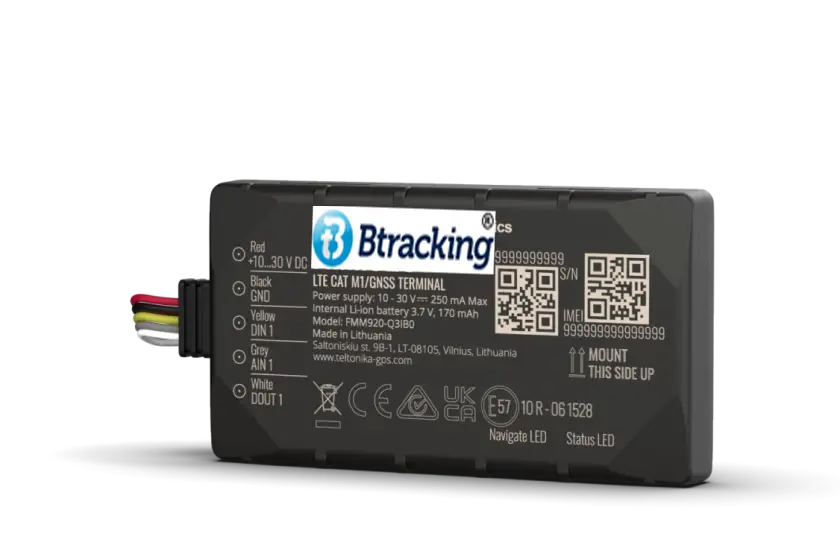
If you purchased hardware outright, ranging from $59.99 for the BHW920 Compact Hardwired Vehicle Tracker up to $239.99 for the BTPLUS ProFleet Telematics Gateway or the BT364 Deluxe Telematics Gateway, that hardware is yours. You owe nothing on the device side when you cancel; there is nothing to return.
If you are on the free-tracker path, the situation is more involved. That device remains Btracking property throughout the subscription. When you cancel, you have two options:
- Return the tracker in proper working condition. No buyout fee applies.
- Keep the device. An $85 device buyout fee applies, and warranty coverage terminates at that point.
The free-tracker subscription runs at $13.95/month on the Standard platform; the purchased-hardware subscription runs at $12.95/month on the same platform. The $1/month difference is not the meaningful number here, the $85 buyout and the warranty termination are. Know which path you are on before you give notice.
If you are on the free-tracker plan and intend to return the device, verify its working condition first. Returning a damaged unit may trigger the $85 buyout fee regardless of intent, and that buyout ends warranty coverage permanently.
3. Historical data. Request your data export before the account closes. The export process is the same as described in Section 3 of this guide; do not wait until after notice is submitted to start it.
4. Integrations. Before cancelling, confirm which integrations your operation currently uses and confirm with the receiving provider, at the quote stage, which of them its platform supports. Discovering a gap after the account closes creates unnecessary downtime.
The Rollout Sequence: Moving the Fleet Across While It Keeps Operating
A controlled, batch-by-batch migration lets every vehicle stay operational from the first pilot unit to the last hardwired install. The sequence below is ordered, each step depends on the one before it, but the fleet never goes dark.
How it works: nine steps from prep to cancellation
- 1Complete pre-notice checks and get the data export in writing.While the current account is still active, finish the four pre-notice checks from Section 1 and submit a written data export request to your prior provider. Doing this before you touch a single vehicle means you are not racing the clock later.
- 2Identify and group vehicles by install type.Catalogue every vehicle in the fleet as plug-in (OBD-II), OEM Integrated, hardwired, or telematics gateway. Grouping by install type lets you schedule labour realistically, plug-in units take seconds with no tools, while hardwired installs are a permanent concealed fit that require a technician.
- 3Verify VIN eligibility and obtain owner consent for OEM Integrated vehicles.OEM Integrated GPS Tracking is available on eligible Ford, GM, Stellantis, and Toyota vehicles and uses the telematics already built into the vehicle, no hardware ships. Btracking asks for the VIN before purchase to confirm eligibility, and owner consent is required for each vehicle before a subscription is activated.
- 4Activate the new platform on three to five pilot vehicles.Choose pilots that represent the full spread of install types in your fleet, at minimum one plug-in and one hardwired unit if both are present. This is also the point at which you select the right platform tier; OEM Integrated subscriptions, for example, are exclusively on the Enterprise Platform.
- 5Run the parallel overlap window on the pilot vehicles.With both platforms live simultaneously, confirm that location reporting, event triggers, and any integration data flows are producing correct output on every pilot unit before you commit the rest of the fleet.
- 6Confirm the historical data export has arrived and is complete.Do not cancel the prior platform until you have the export in hand and have verified it. An incomplete export is much harder to recover once the account closes.
- 7Roll remaining vehicles across in batches.Work through the groups you defined in Step 2, booking technician time specifically for hardwired units. Plug-in and OEM Integrated vehicles can move quickly; hardwired installs set the pace for those batches.
- 8Confirm full fleet reporting, then serve the cancellation notice.Once every vehicle is reporting correctly on the new platform, give the prior provider its required notice. Btracking subscriptions themselves run month-to-month and can be cancelled with ten business days' notice, match that expectation to whatever your prior provider requires.
- 9Return any free Btracking device in proper working condition if you are closing that subscription.If you are migrating away from a free-device subscription on the Btracking side (for example, consolidating onto OEM Integrated) the free tracker remains Btracking property and must be returned in proper working condition within the notice window.
If a free plug-in or hardwired tracker is not returned in proper working condition when the subscription ends, an $85 device buyout fee applies, and Btracking's warranty coverage on that device terminates at buyout. Schedule the return shipment before the notice window closes, not after.
Which install path fits your fleet?
| Install type | What goes into the vehicle | Technician required | Platform |
|---|---|---|---|
| Plug-in (OBD-II) | Plug-in tracker in OBD-II port | No | Standard or Enterprise; ProFleet only with CANBus data models |
| OEM Integrated | Nothing, uses built-in telematics | No | Enterprise only |
| Hardwired | Permanently concealed tracker | Yes | Varies by model; confirm at quote |
| Telematics gateway | Wired harness (J1939, OBDII, aux power options) | Yes | Varies by model; confirm at quote |
Buy, this sequence works for any fleet size and any mix of install types, and the month-to-month structure means you are not locked in while you validate the pilot.
Consider, OEM Integrated if your fleet runs late-model Ford, GM, Stellantis, or Toyota vehicles and you want zero hardware to manage; verify VINs before purchasing subscriptions, and confirm you are ready for the Enterprise Platform tier.
Skip, rushing Steps 3 through 5 to compress the timeline. The parallel overlap window exists precisely to catch reporting gaps before they become operational problems; shortening it trades a few days of speed for weeks of troubleshooting.
Frequently asked questions
do i own my fleet gps hardware when i switch providers
Ownership depends on how the device was obtained. Hardware purchased outright belongs to the customer and is never returned. A free plug-in or hardwired tracker provided under a subscription remains the property of the provider throughout; ending that subscription requires returning the device in proper working condition or paying a buyout fee. Ask your current provider which arrangement applies before giving notice.
can i export my gps tracking history before switching companies
Yes, and the request should be made in writing while the account is still active, specifying the date range and file format required. Once an account closes, access to historical data may end immediately. Retaining that export is the customer's responsibility.
how do i get out of a fleet gps contract
Ask your current provider for the contract term, whether it auto-renews, and the written notice period required to cancel. Btracking subscriptions are month-to-month with no annual contract; cancellation requires ten business days' written notice and no early-termination fee applies.
what is oem integrated fleet gps tracking and do i need to install anything
OEM integrated tracking uses the telematics system already built into eligible late-model vehicles: nothing is installed. Btracking supports Ford, GM, Stellantis and Toyota vehicles at $29.99–$31.99 per vehicle per month, exclusively on the Enterprise Platform. Each vehicle requires VIN eligibility verification and owner consent before activation, and reporting configurations are set by the vehicle manufacturer and are not customizable.
how long does it take to switch fleet gps providers
The elapsed time depends primarily on install type. A fleet running plug-in OBD-II trackers can complete a pilot overlap and full rollout in days. Hardwired units require scheduled technician time for removal and reinstallation, which typically extends the timeline. Running a parallel overlap on pilot vehicles before cutting the full fleet across eliminates any gap in coverage regardless of install type.
Products in this guide
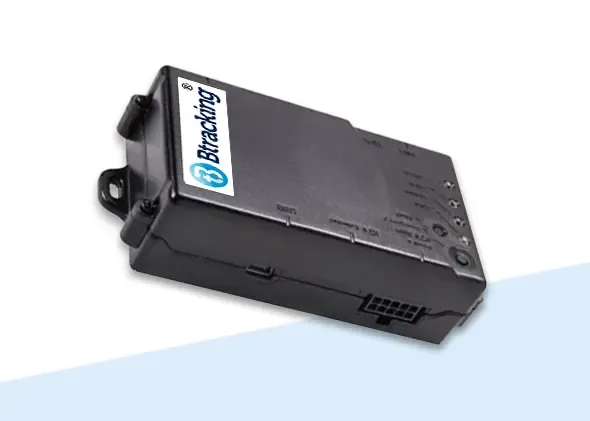
BTPLUS ProFleet Truck Tracker
$239.99
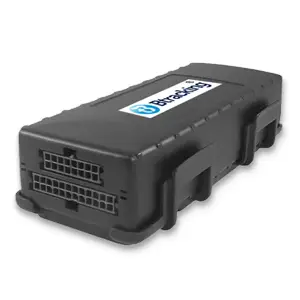
BT364 Deluxe Truck Tracker
$239.99
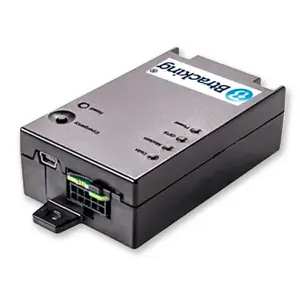
BTSTX ProFleet Truck Tracker
$219.99
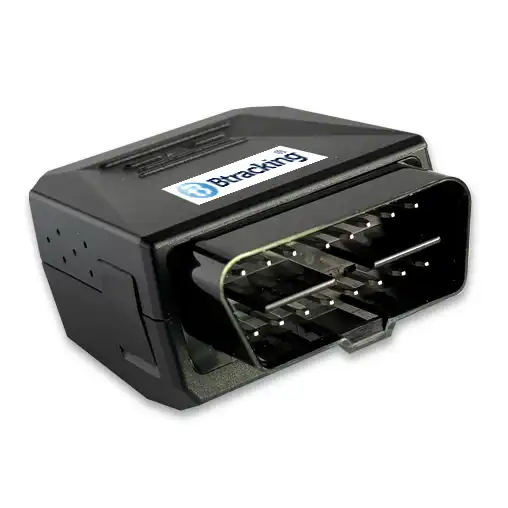
BP304 Deluxe Plugin Vehicle Tracker
$159.99
BP50 Series Plugin Vehicle Tracker
$69.99
BHW57P Motorcycle & ATV Tracker
$95.99
BHW123 Hardwired Vehicle Tracker
$95.99
BHW920 Compact Hardwired Vehicle Tracker
$59.99

Stellantis OEM Integrated GPS Tracking - No Hardware Needed!
$31.99

GMC OEM Integrated GPS Tracking - No Hardware Needed!
$31.99

Ford OEM Integrated GPS Tracking - No Hardware Needed!
$31.99
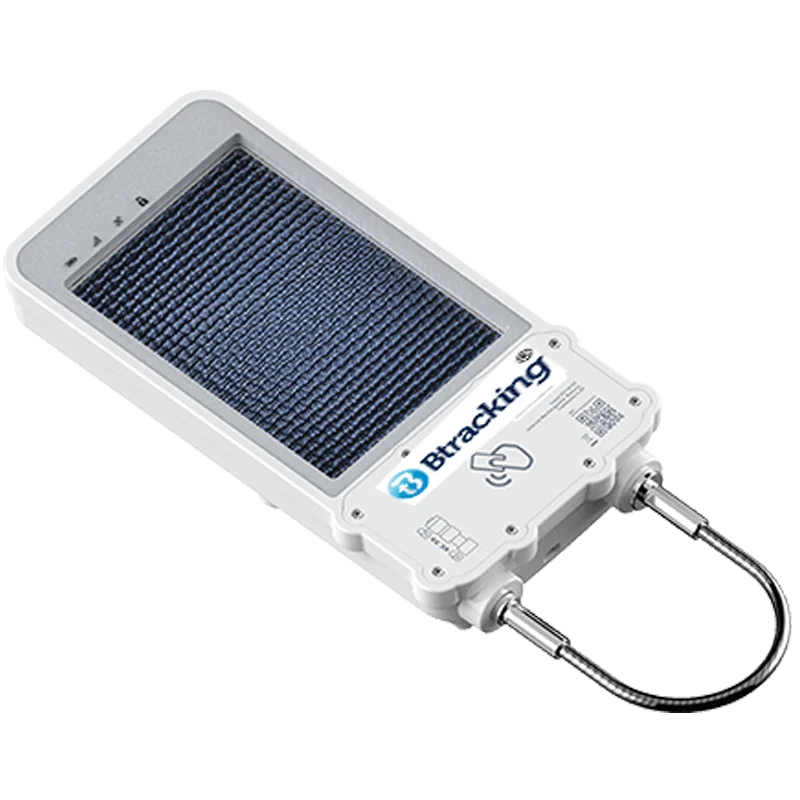
BSX100 SolarLock Asset Tracker
$349.99
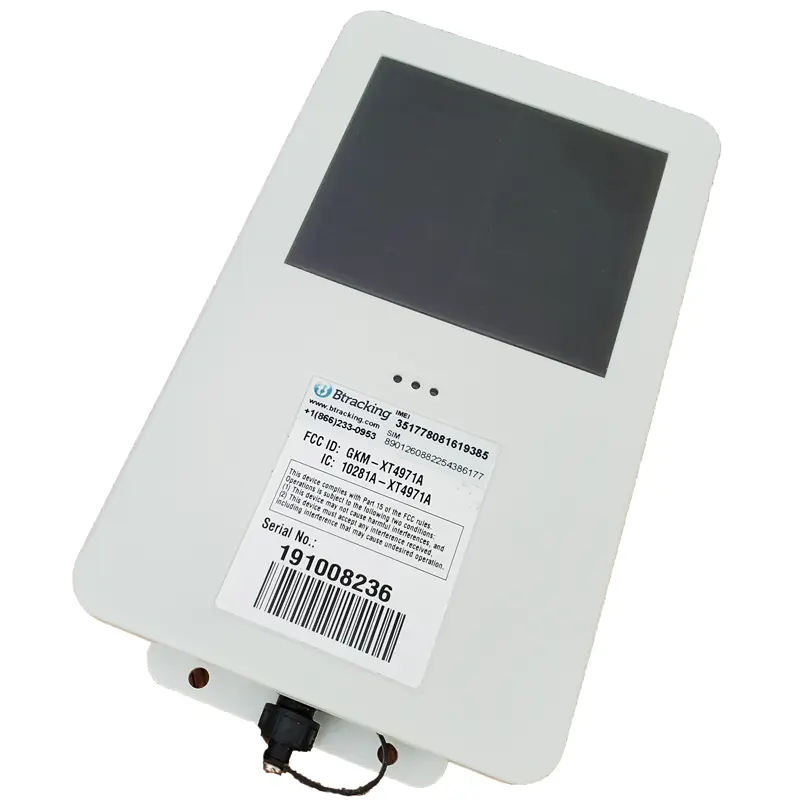
BS400 Deluxe Solar/Hybrid Combo Asset Tracker
$289.99
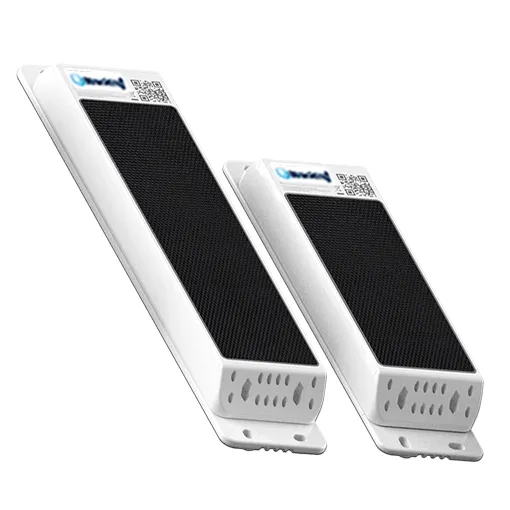
BS130 Solar Powered Asset Tracker
$189.99
Get a written quote
Tell us what you run. An engineer confirms the details and prices it.
Request a quote